Link an existing calendar item to VeloViewer
Prerequisite: A VeloViewer RaceHub subscription which has been connected to VeloDS.
Under normal circumstances the calendar item is created before it becomes available in VeloViewer. You can link the calendar item to the VeloViewer item by opening the calendar item. In the bottom part you will find the references of the calendar item.
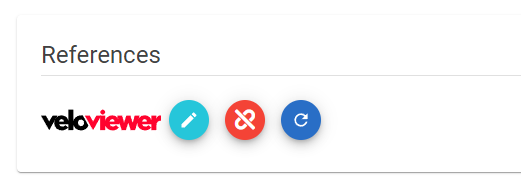
The pen button allows you to set or change the link to a VeloViewer race.
The unlink button clears the link.
The refresh button reload the data and stages from VeloViewer.
Note
When you add or change the related VeloViewer race then you always need to press the refresh button.
If you manually added stages (or added from a different veloviewer stage) then these stages will not be removed or refreshed. Only the stages which have a valid link to the current VeloViewer race will be refreshed. You will have to cleanup the other stages.