Looking for help?
The app at the race registration table
When you open in the app the calendar page the you will see a ‘group’ icon at the top right 
Only for the team DS this button is enabled. When you click on it a page will show with a list of the members which are allocated to the race
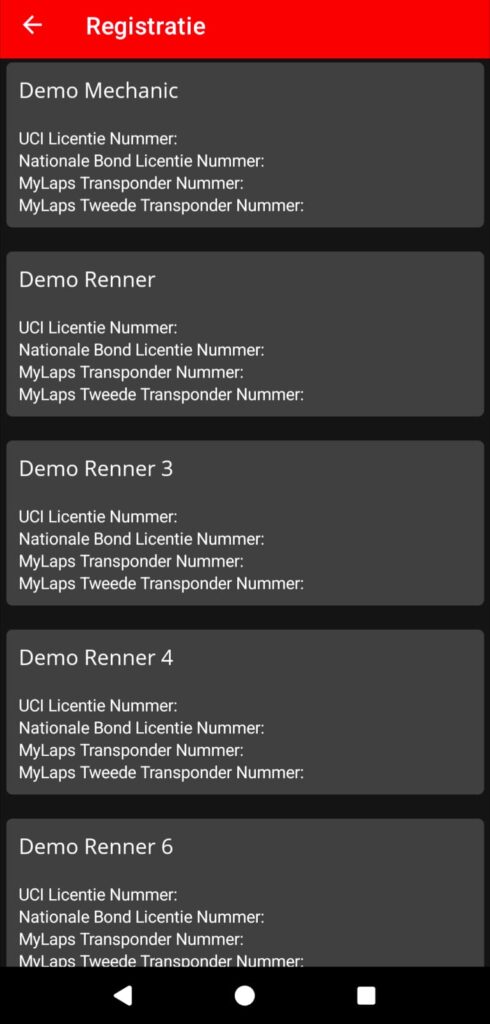
When a member has filled in all their information on their profile then that information will be displayed here. When the user has added files to their profile (like a digital version of their license or medical exemption forms) these files can be accessed from this page. This makes it much easier for you to show the race commissaire the required information.
Always instruct your team members to fill in their profile in the app and let them add at least a digital version of their license.