Import a calendar item from VeloViewer
Prerequisite: A VeloViewer RaceHub subscription which has been connected to VeloDS.
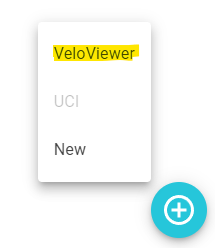
When you add a new calendar item through the bottom right plus sign a menu will now popup. One of the menu items is the VeloViewer option.
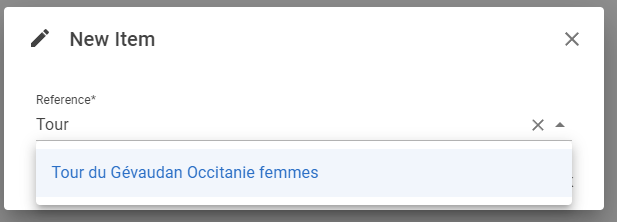
Clicking the VeloViewer menu item will open a dialog where you can find the race you wish to import. You can to that via the dropdown or by typing (part of) the race name and then selecting it and pressing the OK button. If the selection is invalid the screen will not close on OK button.
On OK the calendar item will be created using all the information available in VeloViewer including the race stages.
The calendar item and stages are now linked with VeloViewer data and as long as the race date is not passed you can refresh the calendar item and stages from the VeloViewer information.